
Kubernetes Search runs out of the box with no license key on a capable free tier. A paid license raises the limits and unlocks the multi-user and multi-cluster features.
Free tier
With no license key configured, the app provides:
- One registered cluster.
- A single, standalone search head.
- Shared cluster credentials.
The free tier never expires. It is enough to evaluate the app and to run it for a single cluster on a single search head.
Paid
A paid license unlocks:
- Multiple clusters, up to the count in your license.
- Search head clustering - running the app across SHC members.
- Per-user credentials and impersonation (see Access control).
What happens at the limits
Enforcement is designed to be predictable and to preserve your configuration:
- Registering a second cluster on the free tier is refused with a clear message. Clusters you already registered keep working.
- Running in a search head cluster requires a paid license.
- An expired paid license keeps searches running through a 14-day grace period, with a warning. After grace, searches stop until you renew - or clear the key to return to the free tier. Your registrations and credentials remain stored and reactivate when you restore a valid license.
Enter a license key
Open the Setup tab and go to License. Paste your key and save. The page shows the current status: whether the key is valid, whether it is paid, the cluster limit, and the expiration date.
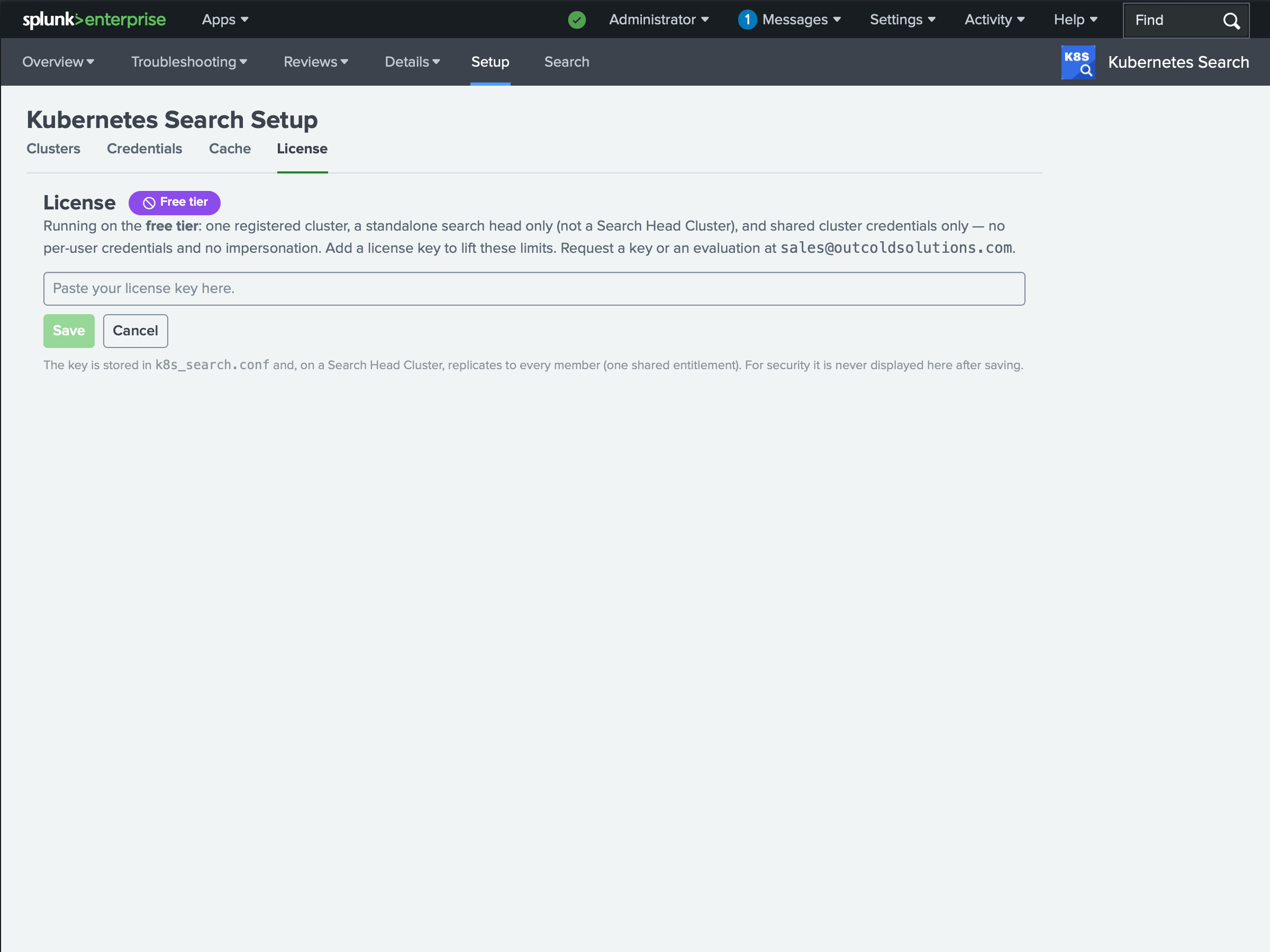
To clear a license and return to the free tier, save an empty key.
Evaluate
To try the paid features, contact sales@outcoldsolutions.com to request a 30-day evaluation license. The key arrives by email; paste it into the License tab as above.